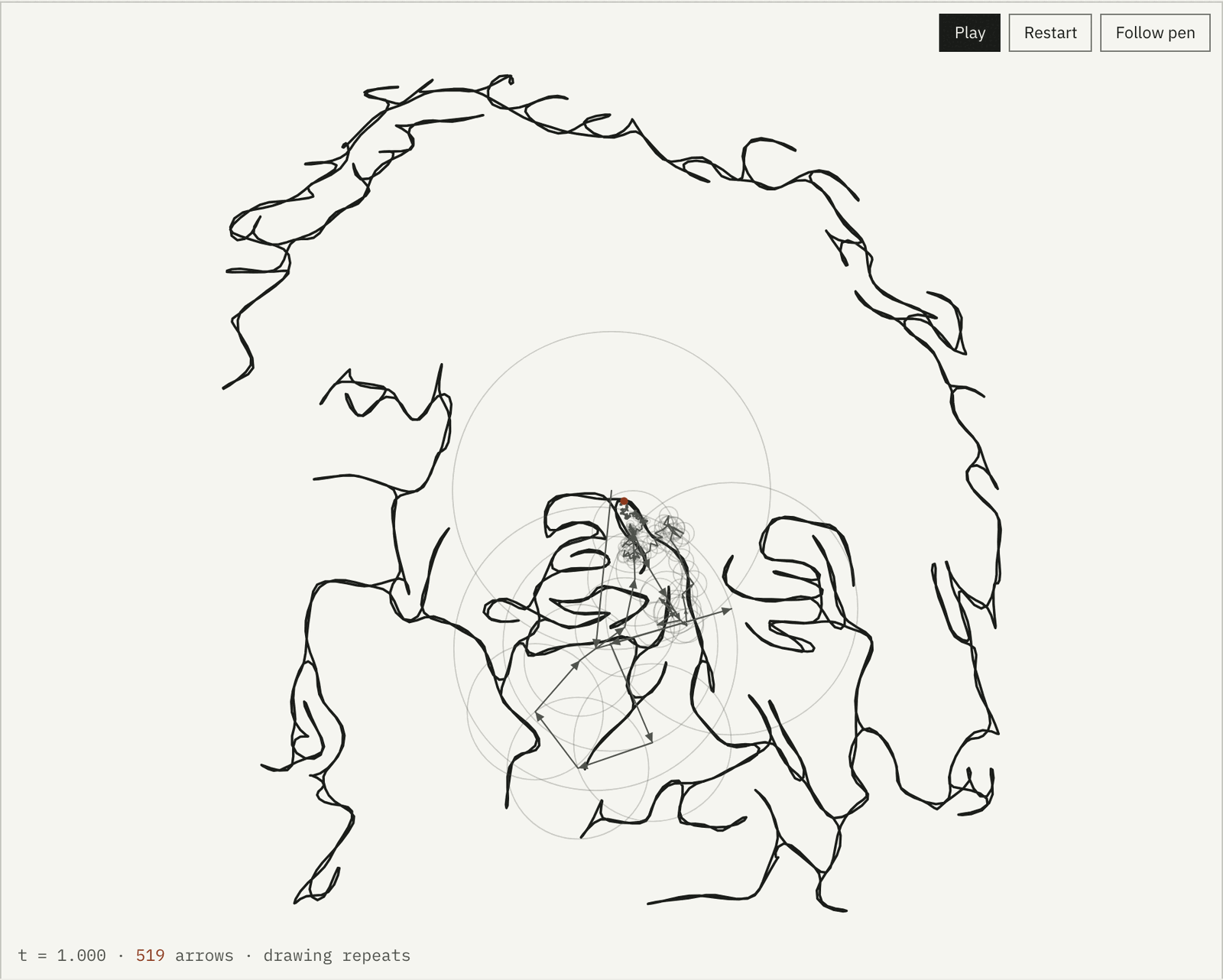
Every closed curve is a sum of circles. This draws yours.
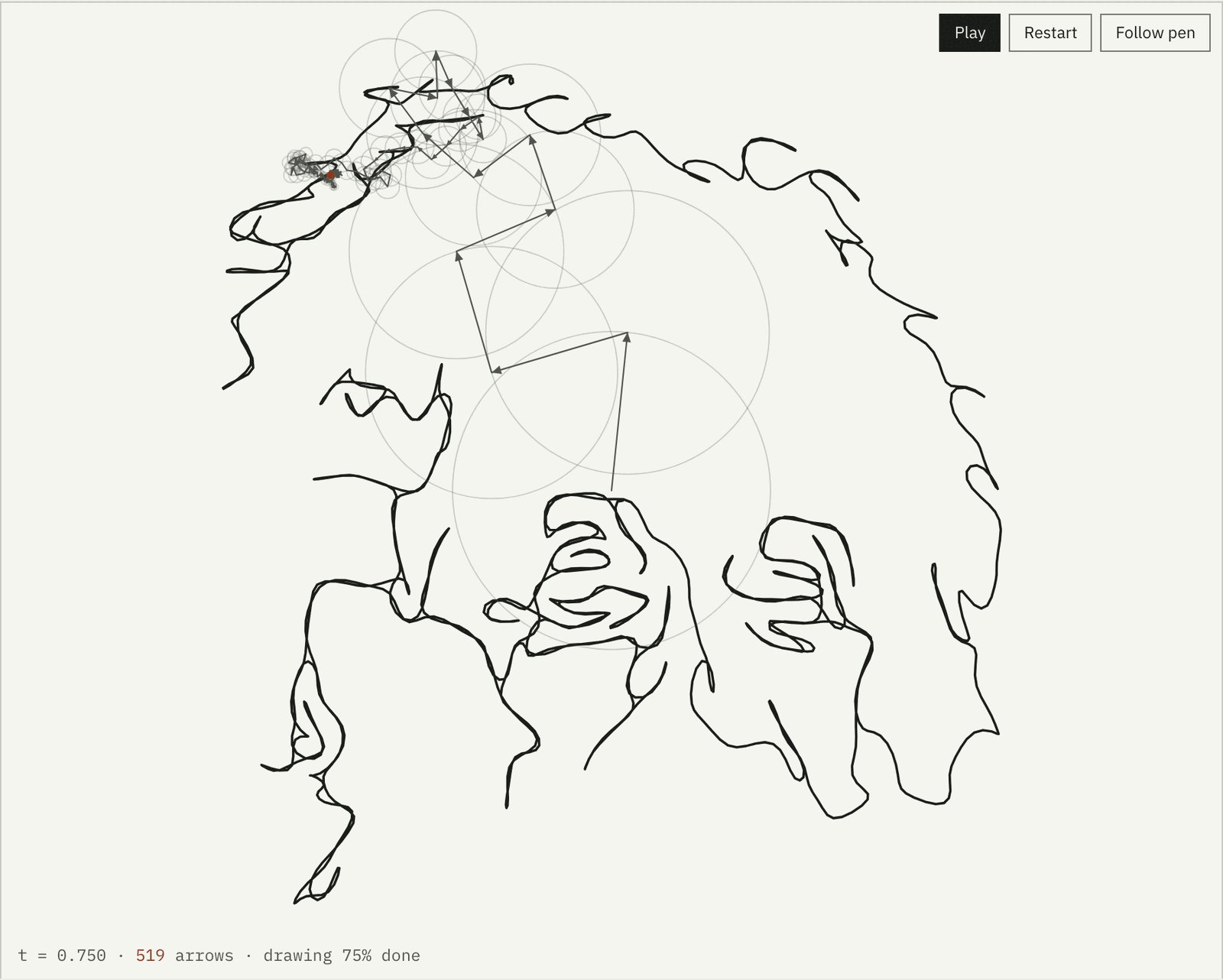
A chain of 519 rotating arrows, drawing Einstein without lifting the pen.
Give it a picture. It finds the outlines, joins them into one continuous
line, and takes the discrete Fourier transform of that line. Each
coefficient becomes an arrow that turns at its own speed; stacked tip to tail,
the arrows trace the picture back out. The maths is on the page in real numbers,
the drawing saves as a wallpaper, a vector, a CSV or a video, and the picture
never leaves your browser.
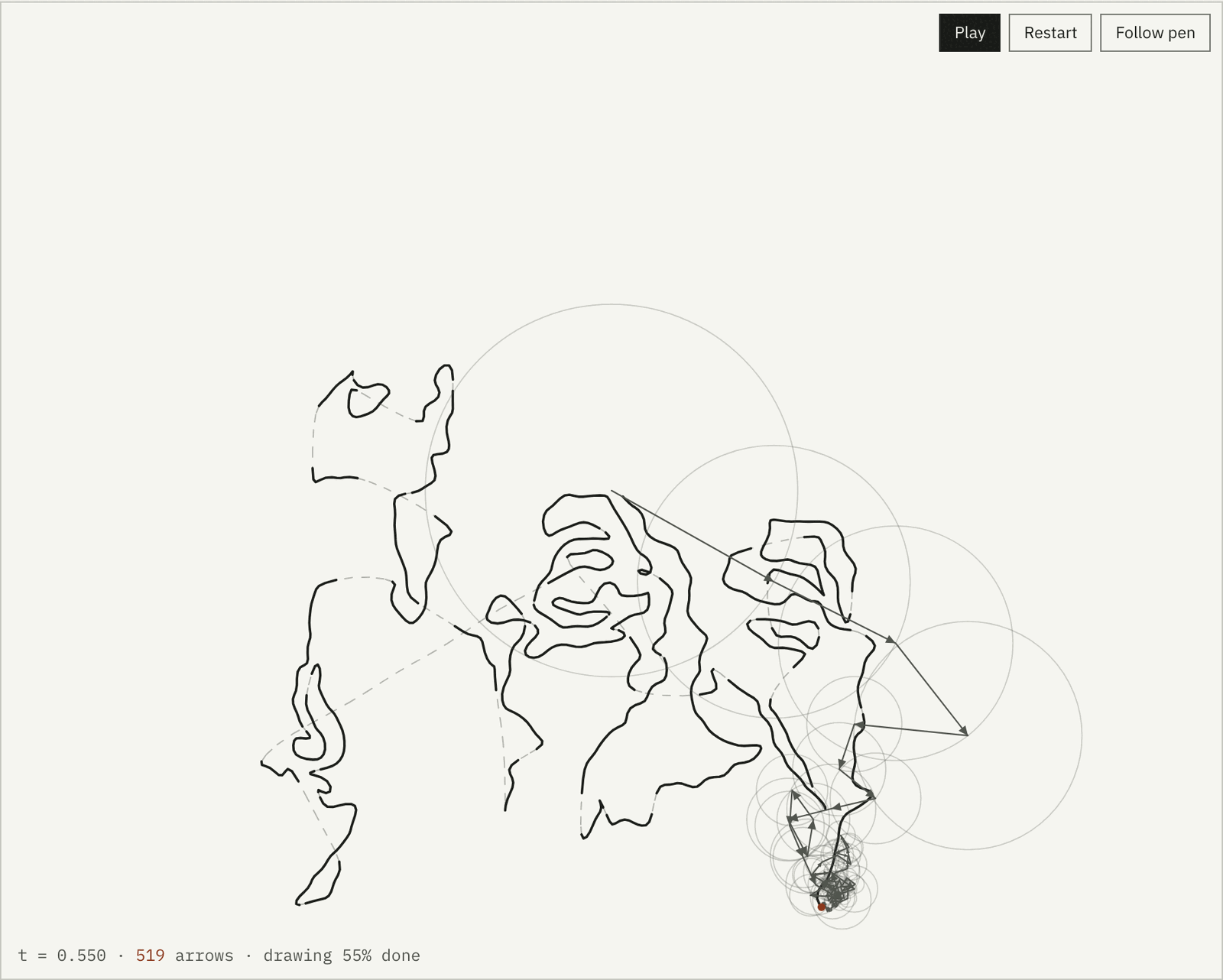
Three quarters of the way through one drawing. 519 arrows, 103 strokes
joined by 102 bridges totalling 562 px, from the 1947 Library of
Congress photograph. Captured from the live page, 2026-10-14.
1 line
The pen never lifts. Strokes are joined by the shortest possible bridges and
the pen backtracks over its own ink instead of jumping.
8 ms
for the full discrete Fourier transform at 2,048 points, direct O(N squared),
no FFT. The page reports its own timing.
0 bytes
of your picture uploaded. Edge detection, path building, the transform and
every export run in the browser. Only a typed prompt goes to a server.
5K
and smaller: wallpaper presets for iPhone, MacBook, Full HD and 4K, in your own
colours, plus SVG, CSV and WebM or MP4 video.
Start · the idea
A drawing is a list of complex numbers, and a list of complex numbers has a Fourier series
Put the picture on the complex plane: every point on the line is a number
z = x + iy. Walk the line at constant speed over one unit of time and you have a
periodic function z(t). Any periodic function is a sum of rotating terms,
cn e2πint, one for each integer frequency n. The
coefficient cn is a complex number too: its size is the length of an
arrow, its argument is the angle the arrow starts at, and n is how many full turns
it makes per drawing. Add the arrows tip to tail and the last tip traces z(t).
With N sample points the series has exactly N terms, from frequency −N/2 to
N/2 − 1, and the discrete transform gives them directly:
cn = (1/N) Σk zk e−2πink/N.
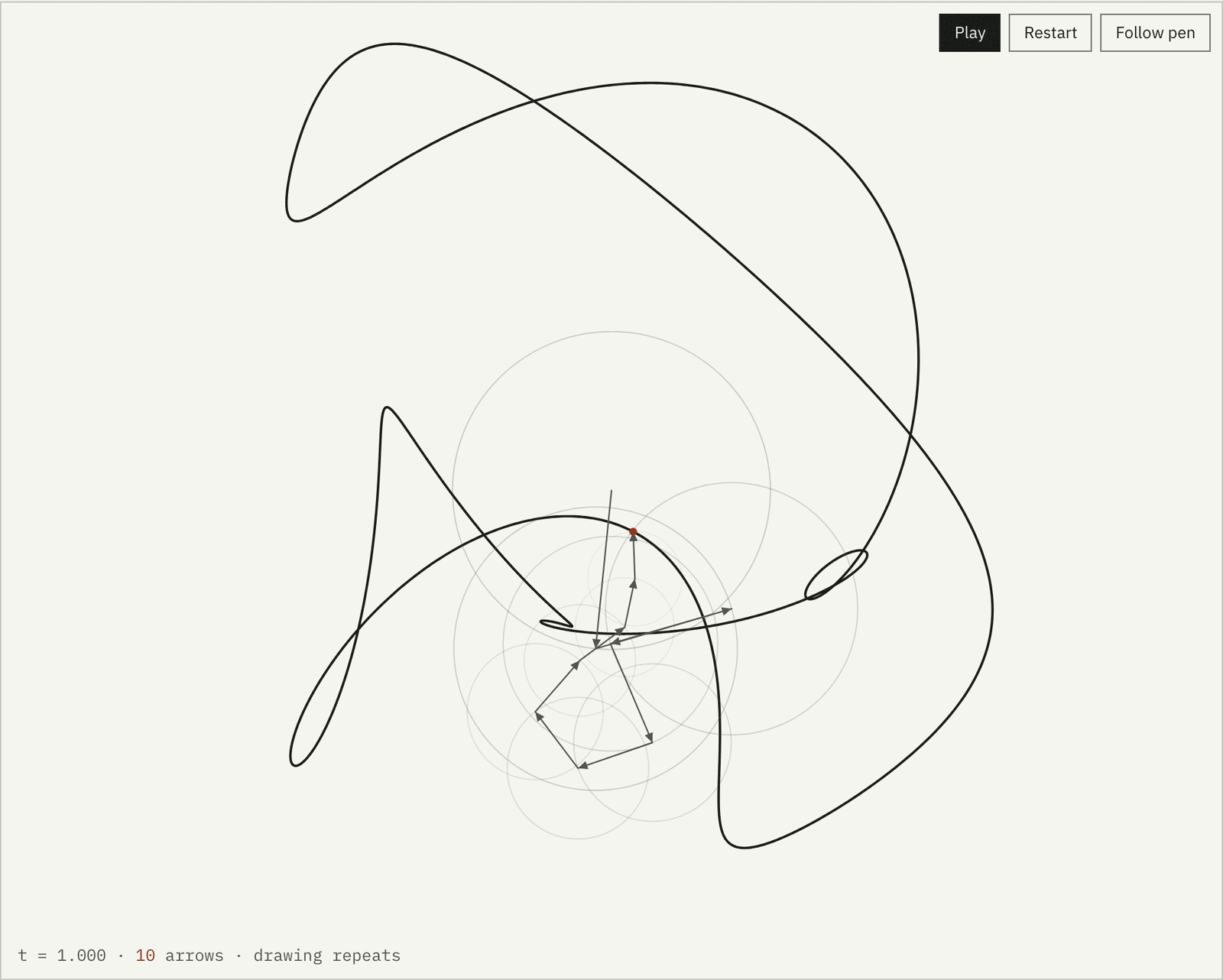
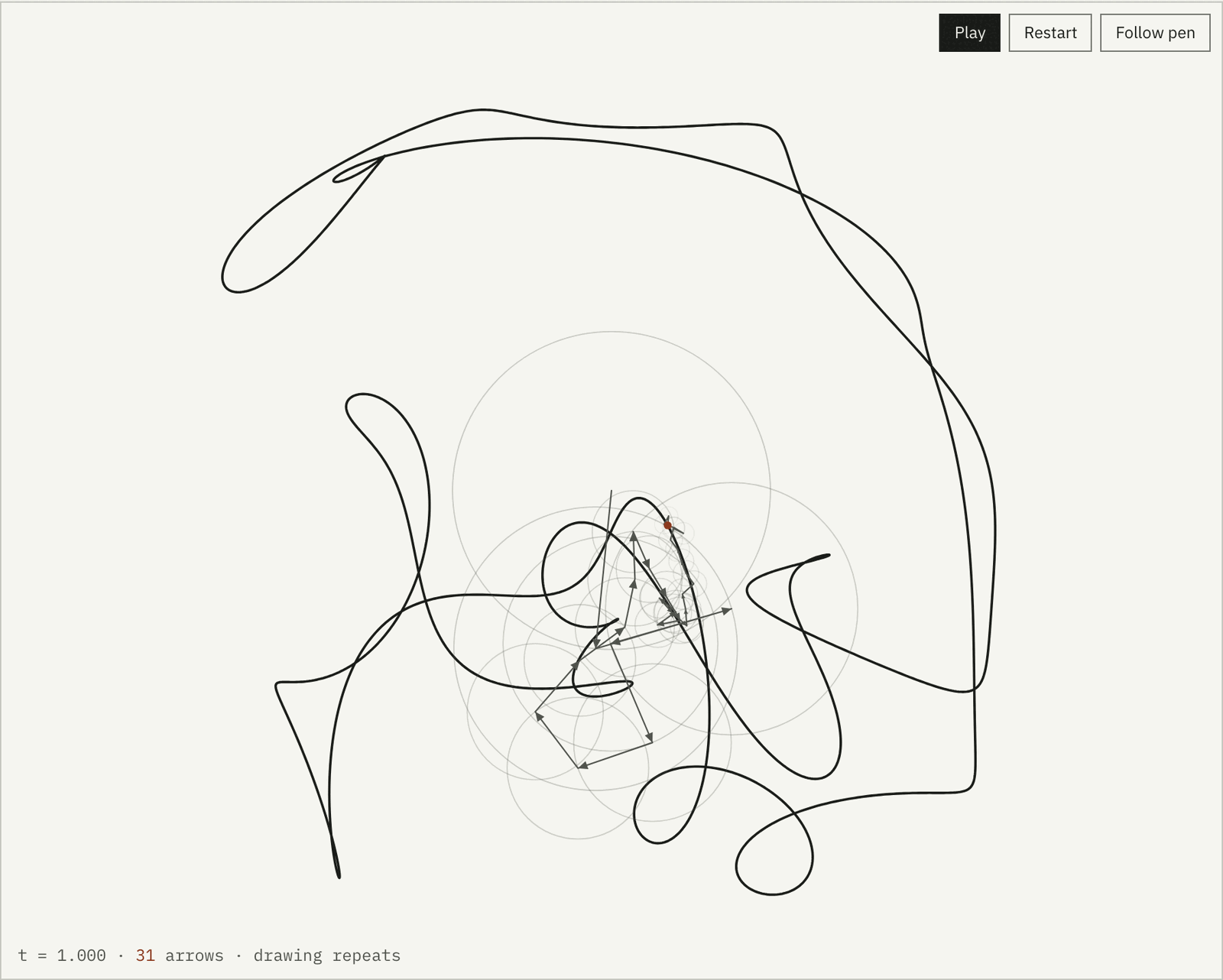
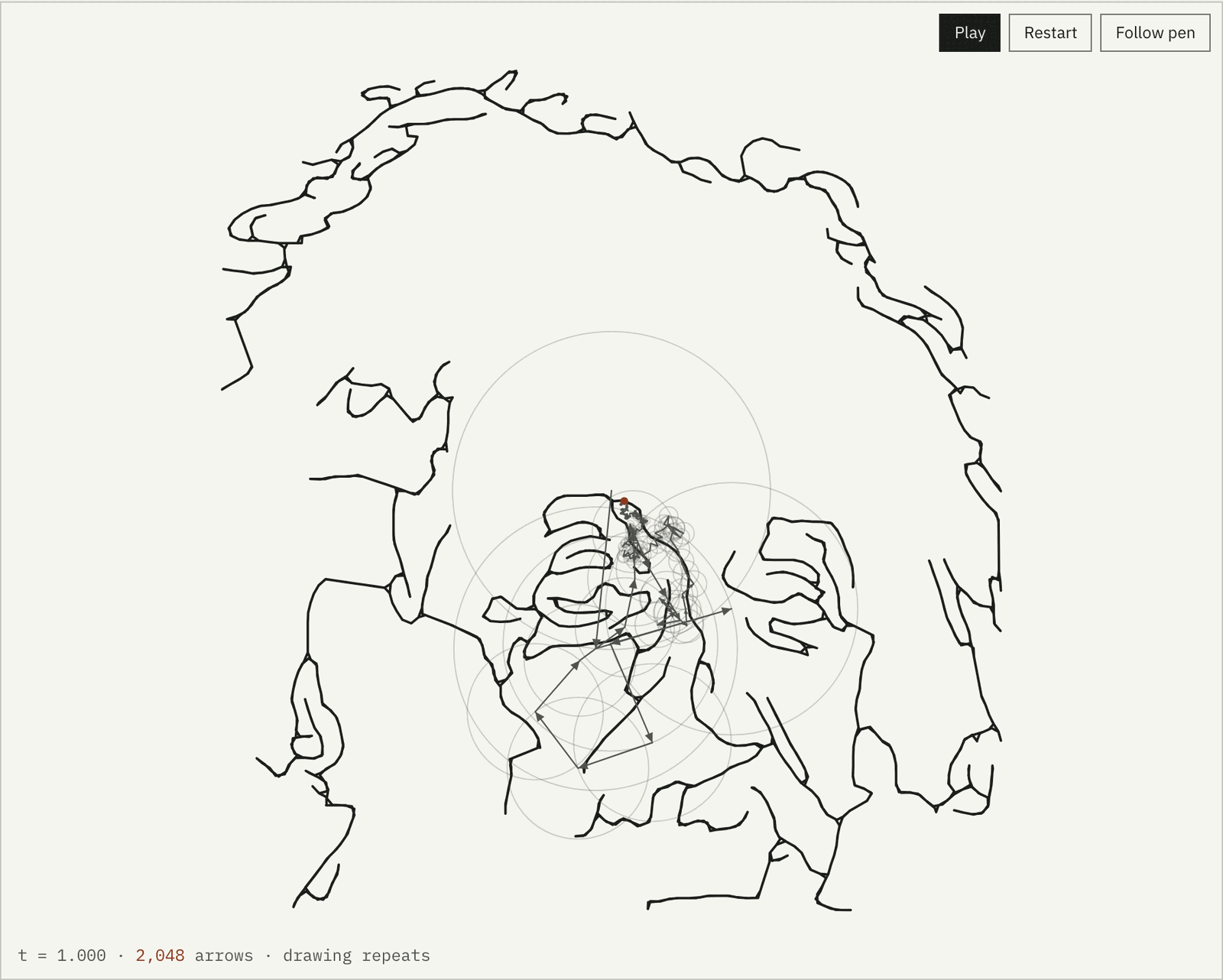
Sort the arrows by length and use the first K. A handful give a blurry, rounded
ghost of the picture. All N reproduce it exactly, because the transform is
invertible. That is the whole trick, and the page shows it with sliders.
10 arrows, 90.5% of the shape's energy. A blur with the right silhouette.31 arrows, 97.8%. The face is there, every corner rounded.2,048 arrows, 100.00%. The traced line, exactly.
↓ the hard part
Getting one line out of a photograph
The Fourier step is ten lines of code. The work is upstream: a photograph is not a
line. The page scales the picture to 360 px, stretches its contrast, and runs a
Canny edge detector written by hand (Gaussian blur, Sobel gradients, non-maximum
suppression, hysteresis). That gives edge pixels. Walking them greedily gives
strokes: for the Einstein example, 103 separate strokes
after dropping anything under 14 px.
A Fourier series needs one closed loop, so the strokes have to become one path.
The obvious way is to hop: finish a stroke, jump straight to the nearest unfinished
one. The jumps become ink the series has to draw. For this portrait they add up to
2,206 px of straight lines across the face.
Fourier Pen does something a plotter would do instead. It finds the shortest set of
bridges that connects every stroke (Kruskal's minimum spanning tree over a spatial
grid, widening the search radius until everything is connected), then walks the
tree as an Euler tour: into each stroke, to its end, back to its start, back to
where it came in, crossing each bridge once in each direction. Every stroke is
drawn twice over the same ink, and the only new marks are the bridges:
102 of them, 562 px in total, a quarter of the
hop version's connectors. The pen never lifts, and the drawing closes on itself,
which is what makes it periodic.
Hop between strokes: 2,206 px of dashed jumps, drawn as ink.One continuous line: 562 px of bridges, no jumps.
The iterative Euler tour that shipped is tested against the recursive version from
the prototype, point for point, on 300 random strokes. Same output, no recursion
limit.
tests/path.test.js
↓ the whole tool
One screen, no scrolling
The drawing takes the left of the screen and every control lives in a tabbed panel
on the right: Picture, Outline, Drawing, Maths, Export. Both are sized to the
viewport, so on a Full HD monitor or a MacBook the page never scrolls and the
drawing stays in view while anything is adjusted. Light and dark themes follow the
system, with a toggle in the header.
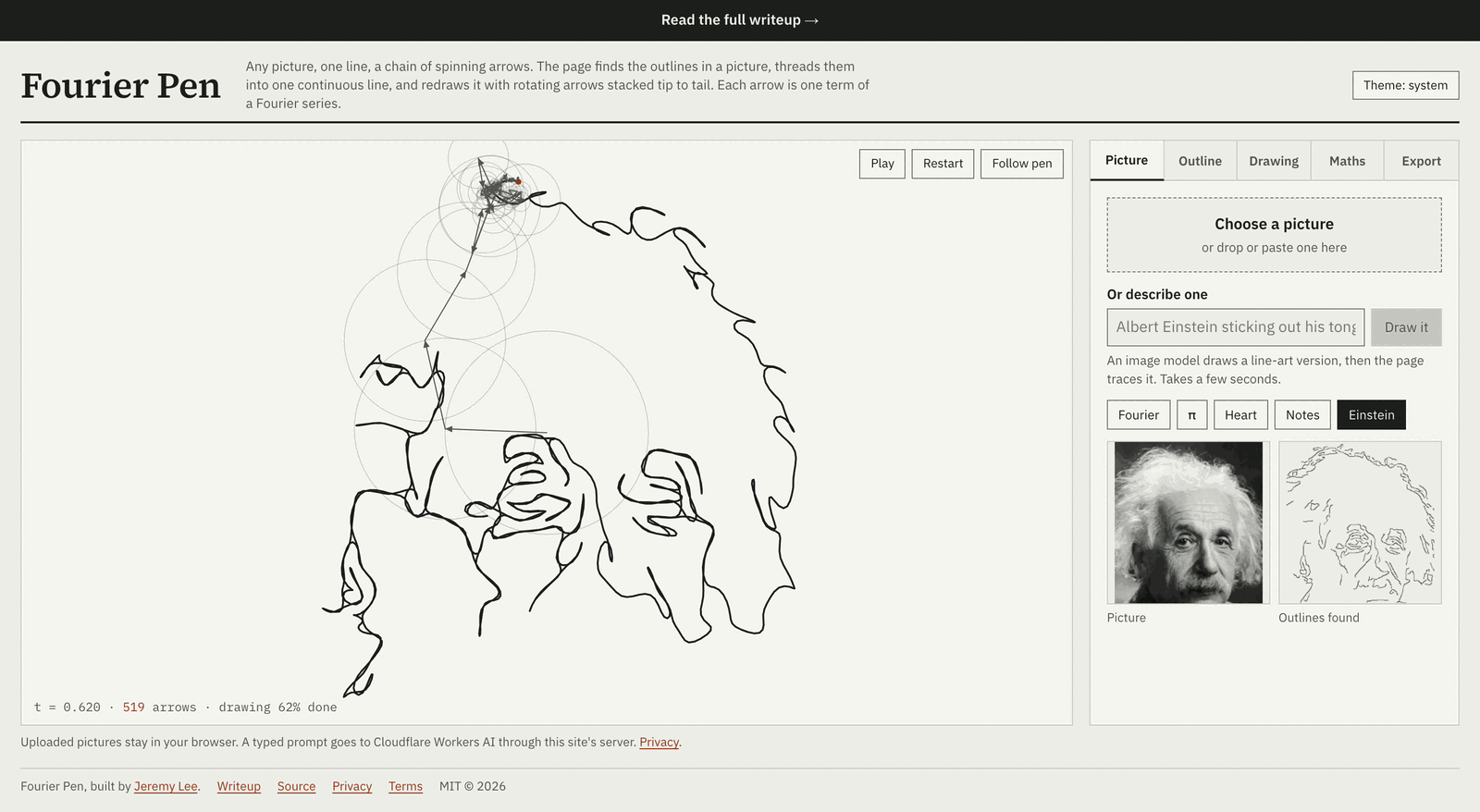
The page at a 13-inch MacBook Air's viewport size, captured 2026-10-14. Stage and panel share one height.
↓ watching it
Follow the pen
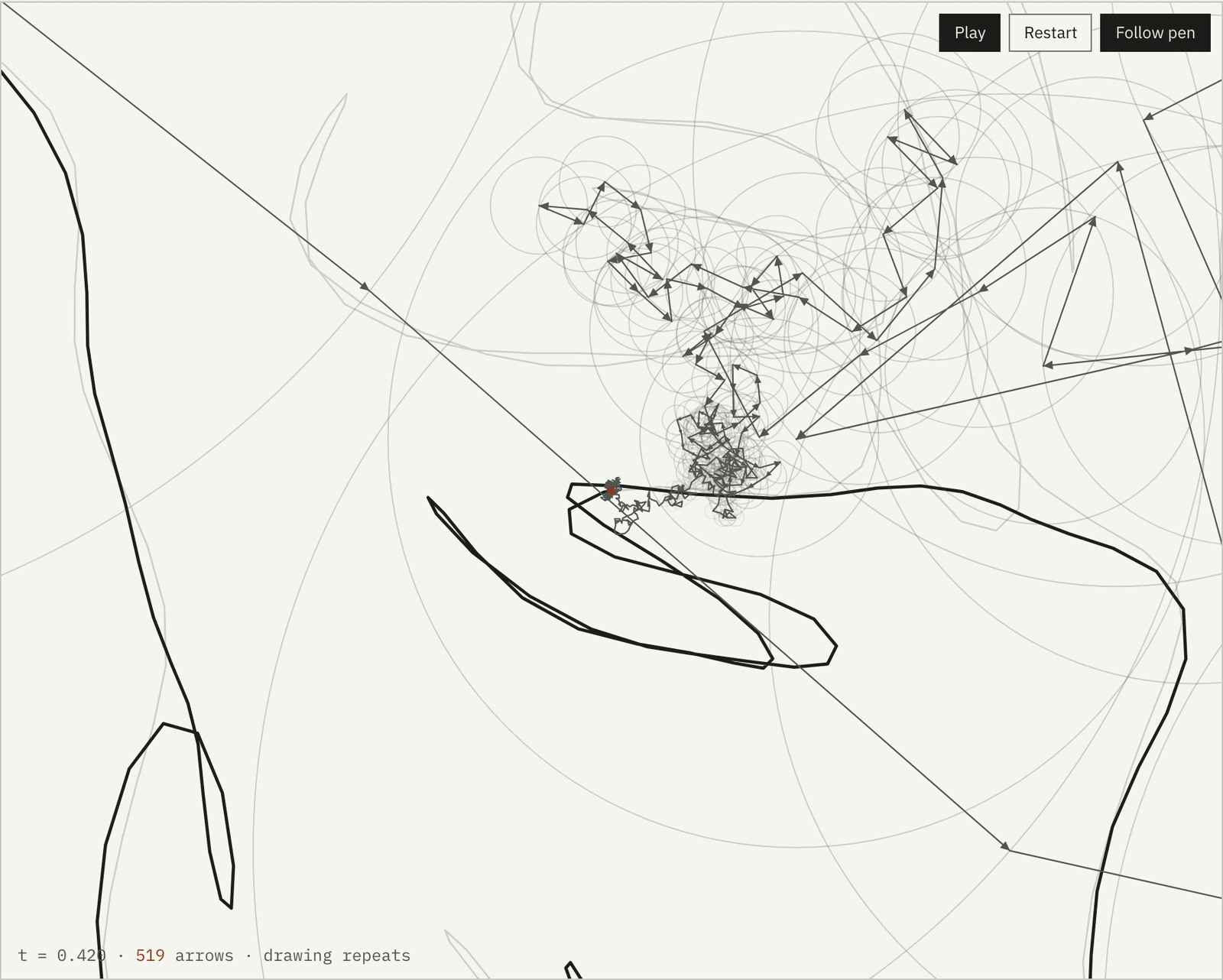
The large arrows set the overall position and barely move. The detail is in the
small ones at the end of the chain, which spin fast and sit inside circles a few
pixels wide. "Follow pen" zooms six times in on the tip and tracks it, which is the
view from the video that started all of this.
Six times zoom on the pen tip. The thick line is the drawing; the grey chain is the last hundred arrows.
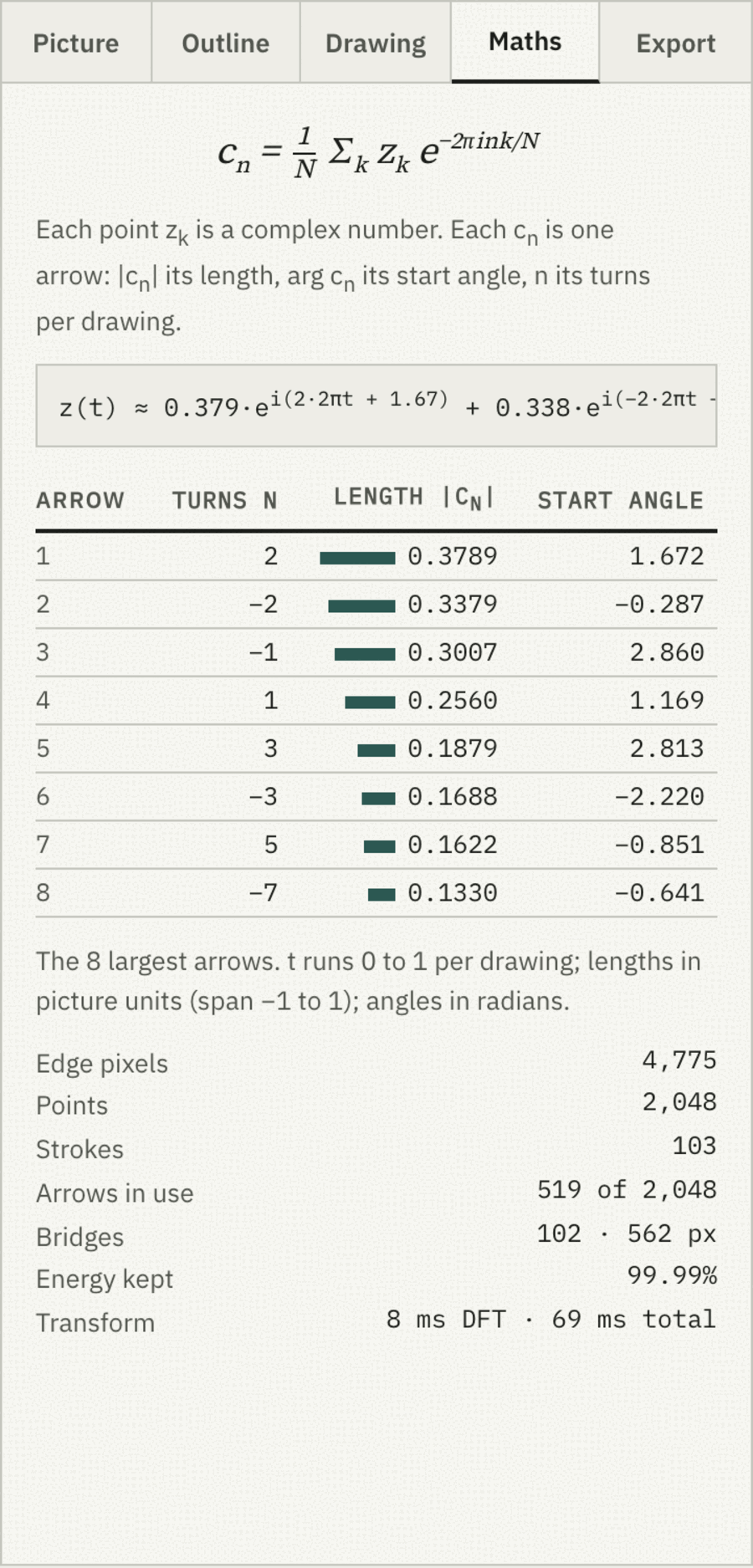
Beside the drawing the page shows the numbers it is using: the live equation with
the three largest terms, the eight largest arrows as a table (frequency, length,
starting angle), and how much of the shape's energy, Σ|cn|²,
the current arrow count captures. Every one of those numbers is also in the CSV
export, all N rows.
The Maths tab for the Einstein example. The length bars are the only use of the second accent colour on the page.
↓ keeping it
Wallpapers, vectors and a video
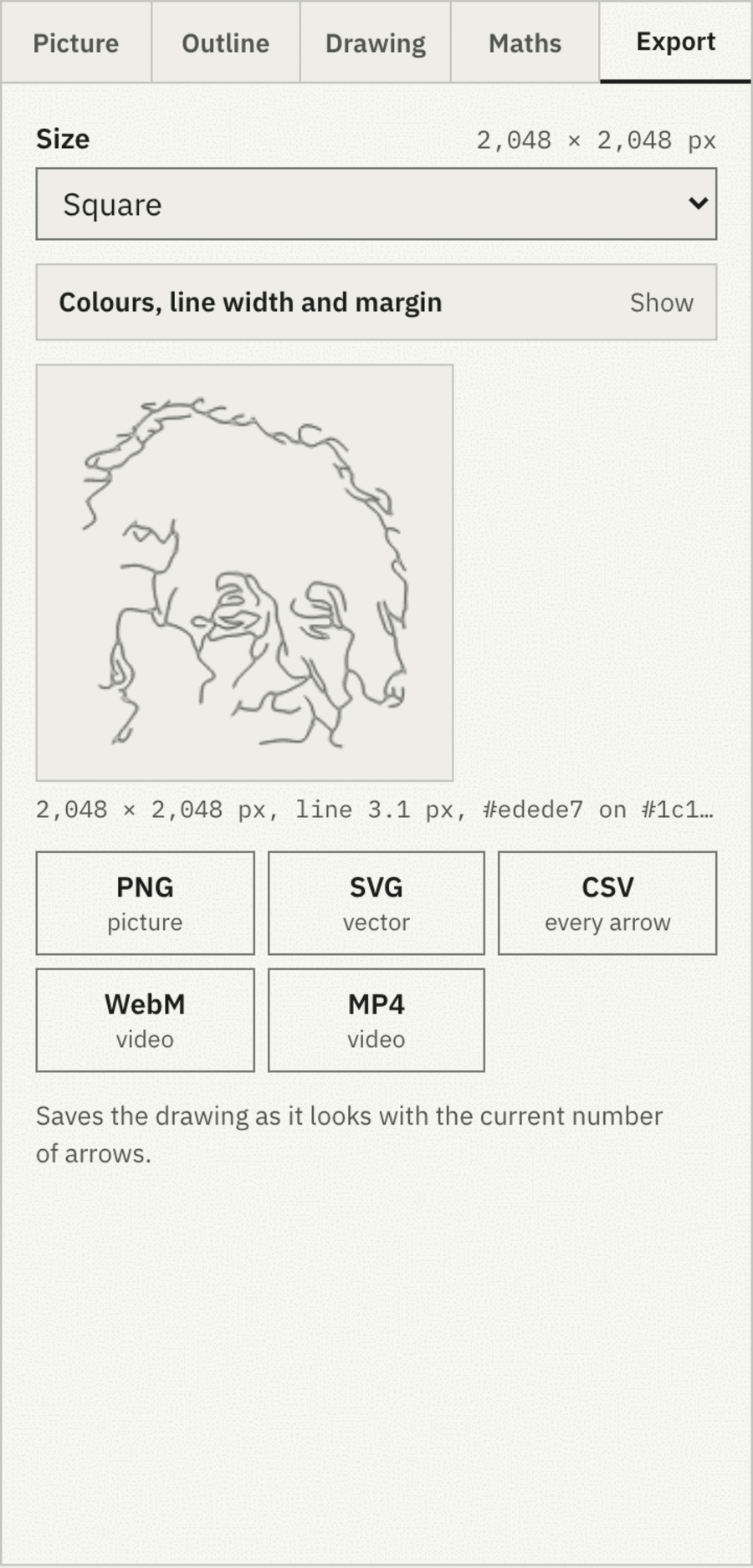
Exports draw the curve for the number of arrows on screen, so what you save is what
you see: a 40-arrow face is a valid wallpaper. Size presets cover iPhone, iPhone Pro
Max, three MacBooks, Full HD, 4K and 5K, with custom sizes up to 8,192 px, your own
line and background colours, a transparent PNG option, and a live preview. SVG uses
the same options. Video records one full drawing with the arrows and circles, in
real time through the browser's own MediaRecorder, as WebM everywhere and MP4 where
the browser can encode it.
The Export tab. The colour, line-width and margin controls sit behind the disclosure; the preview updates as any of them change.
↓ or type it
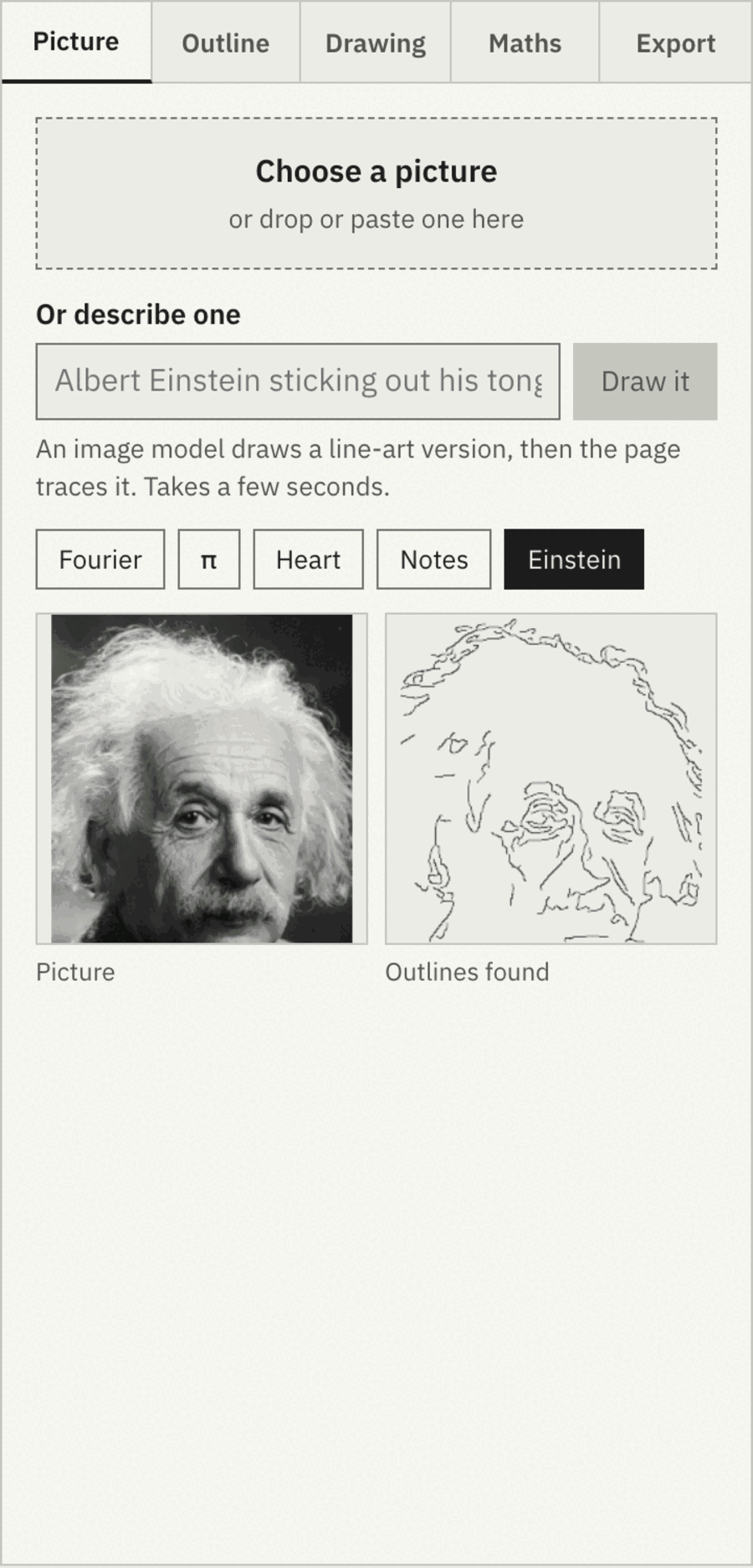
"Albert Einstein sticking out his tongue"
The second input is a text box. The prompt goes to a small serverless function,
which wraps it in a fixed instruction ("a clean single-line drawing of …,
black ink on white, continuous outlines only") and asks an image model for a
picture: FLUX.1 schnell on Cloudflare Workers AI, whose free plan allows about
2,000 such images a day and fails rather than bills past that. The returned image drops into the same pipeline as an upload. The
function holds the API key, checks the request came from this site, limits each
address to ten prompts in ten minutes, and keeps nothing.
That is also the one place the privacy claim has a caveat, so the page says it
under the drawing: uploaded pictures never leave your browser; a typed prompt is
sent to Cloudflare. The privacy page spells out what the
function sees.
The Picture tab: upload, describe, or pick an example. The right preview is the Canny edge map the strokes are traced from. The other four tabs hold the outline, drawing, maths and export controls.
↓ on a phone
Same tool, one column
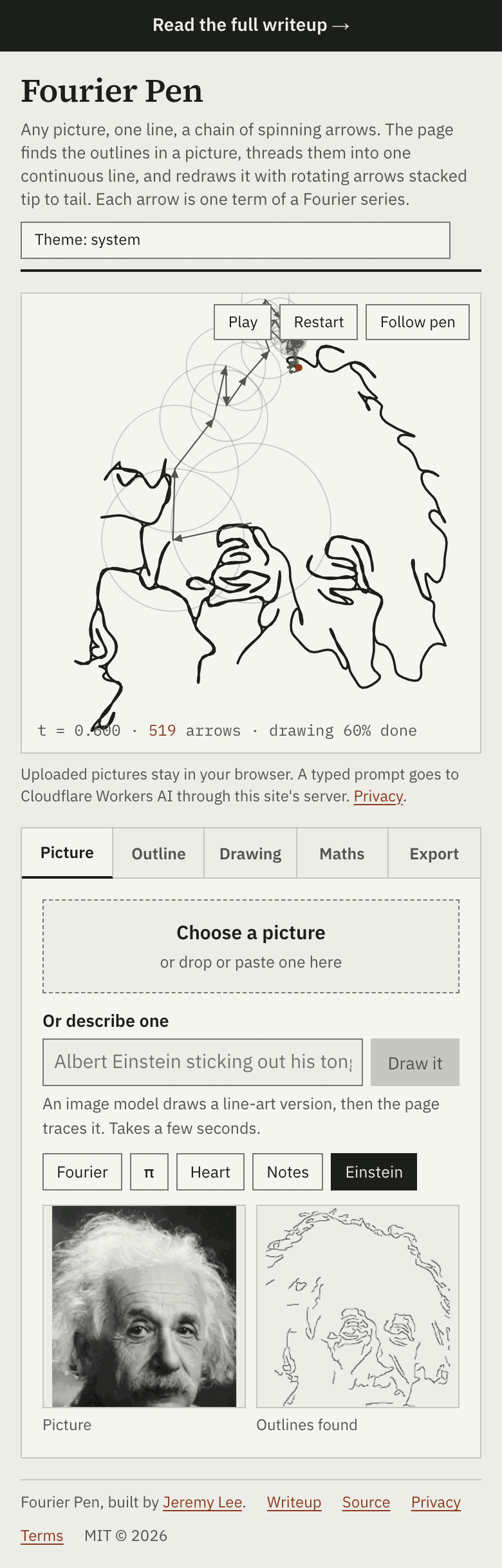
The stage goes square and the tabbed panel sits beneath it, so the drawing stays
one flick away from any control. Paste works from the clipboard, and the drop zone
is a file picker on touch screens.
390 px wide. The stage goes square and the tabbed panel sits below it. No horizontal scroll.
↓ what it gets wrong
Edge detection is not drawing
Canny finds contrast, not meaning. Hair, fabric texture and a busy background all
produce edges, and a face with soft lighting produces few. The Einstein example
works because it is a studio portrait with a plain background, and even then it
opens with smoothing raised to 2.0 px and strokes under 14 px dropped. Snapshots
with cluttered backgrounds come out as scribble. The honest fix is a learned
line-art model, which is on the list and not in this version.
Greedy stroke tracing leaves orphan fragments at junctions; the length cut-off
hides most of them. In continuous mode every stroke is drawn twice, so it needs
about double the sample points for the same detail, which is why the default is
2,048 and not 1,024. Video export runs in real time because MediaRecorder cannot
run faster than the screen, so an 18-second drawing takes 18 seconds to save, and
it is capped at 1,920 px on the long side.
The text prompt depends on a third-party model and a daily allowance. If the allowance
runs out the button says so and everything else keeps working.